Vital for Recipes
The recipes you love, with nutrition per serving.
Vital is a recipe app for iPhone that saves recipes from a cookbook photo, a screenshot or a link, then works out calories and macros per serving from the ingredients. You can check every ingredient it matched, keep your recipes in books you share with family, and log a serving to your food diary in one tap.
By Vital · Updated

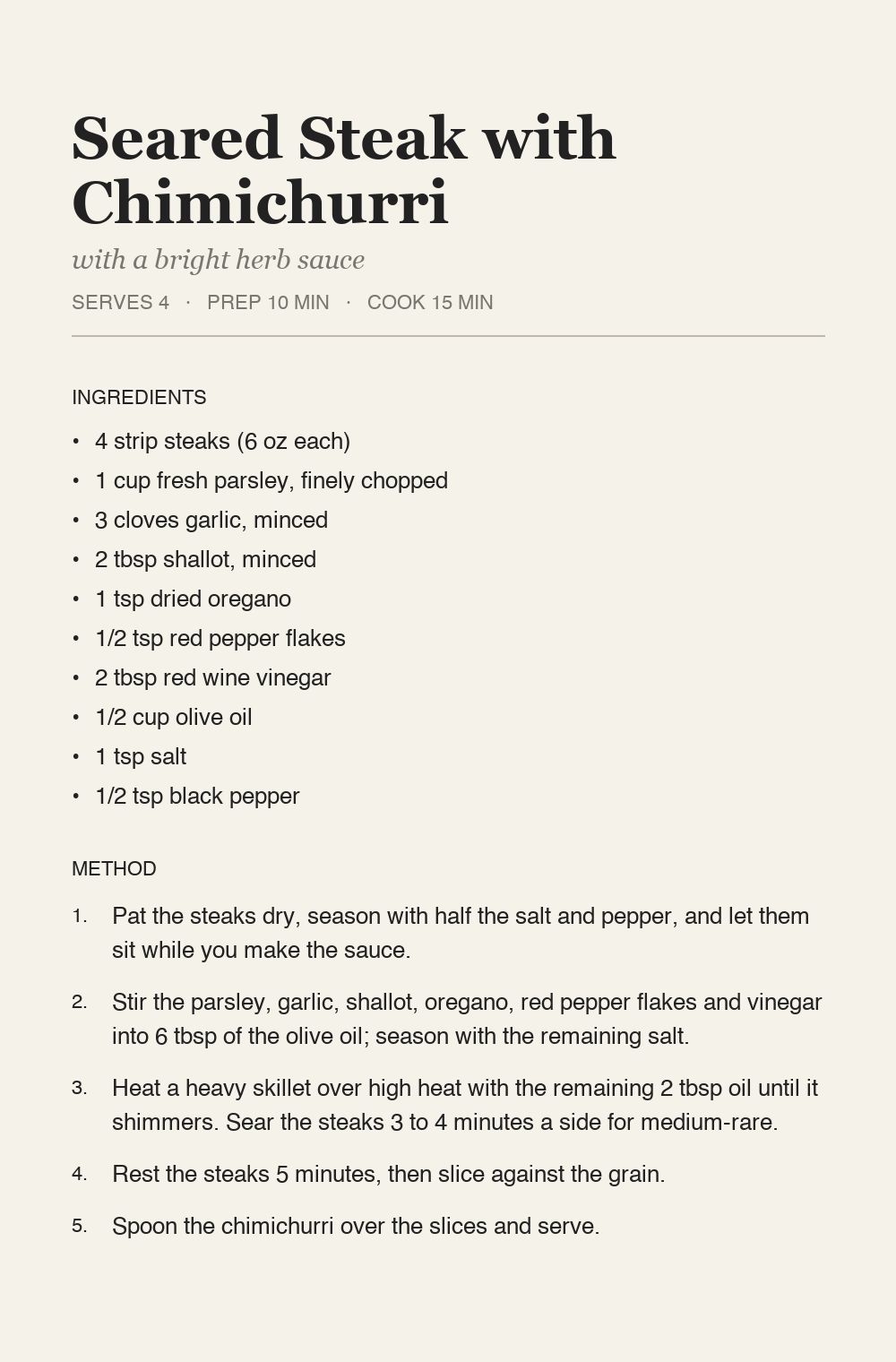
Seared Steak with ChimichurriServes 4
- Import from a link or write your own
- Free
- Calories and macros from the ingredients
- Per serving
- From recipe to food diary
- 1 tap
- Ads, on any plan
- 0
01
How do I add a recipe from a photo or a link?
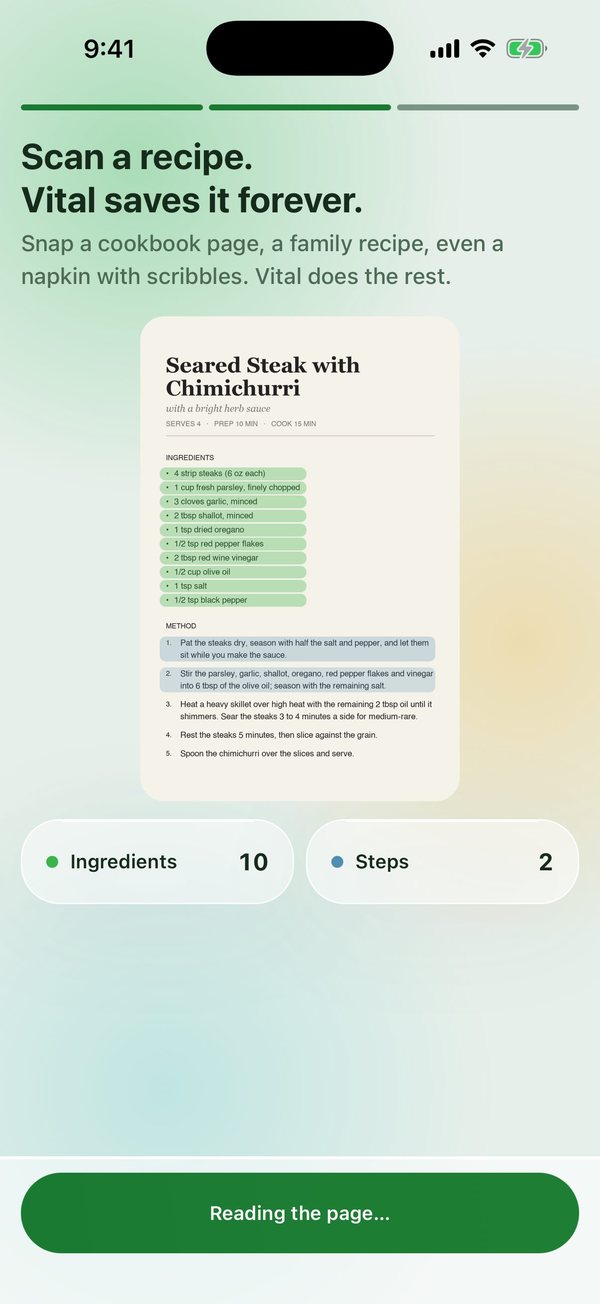
Point your camera at a cookbook page, a screenshot or a handwritten card, paste a link, or write the recipe yourself. Vital reads the title, servings, ingredients and steps, and you save the recipe to one of your books.
02
How does Vital calculate nutrition per serving?
Vital matches each ingredient to a real food, adds them up and divides by the number of servings. You can confirm a match, swap it, scan the barcode of the exact product you used, or estimate one Vital couldn't match. The recipe names any ingredient that isn't counted, so you know what the numbers leave out.
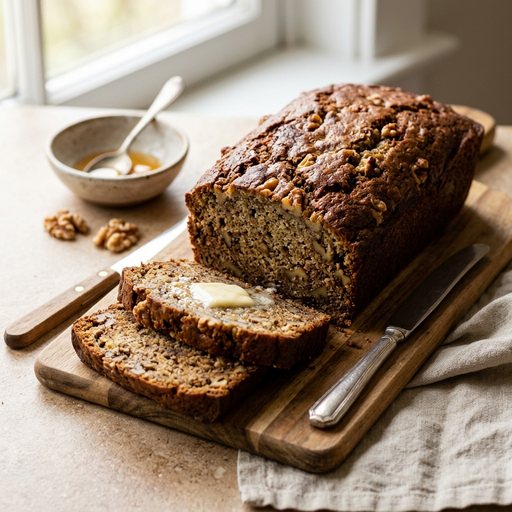
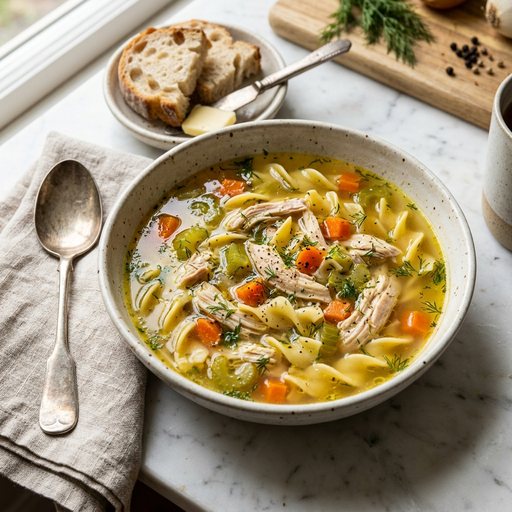
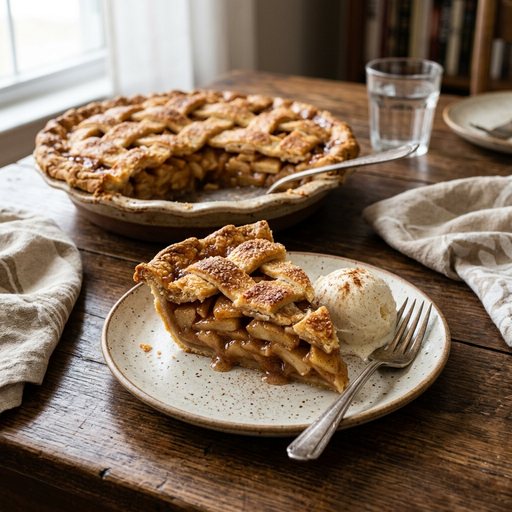
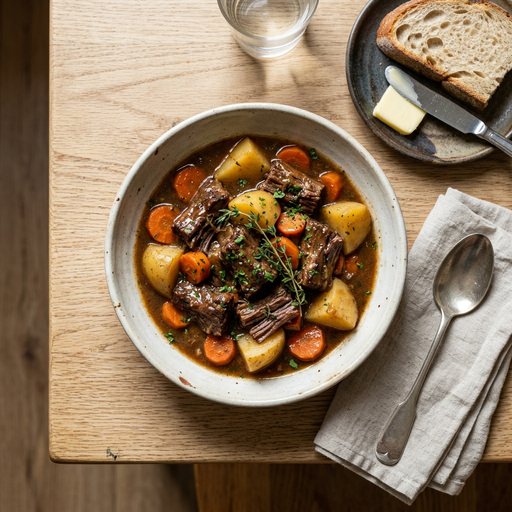

03
Can Vital make my recipe photos look better?
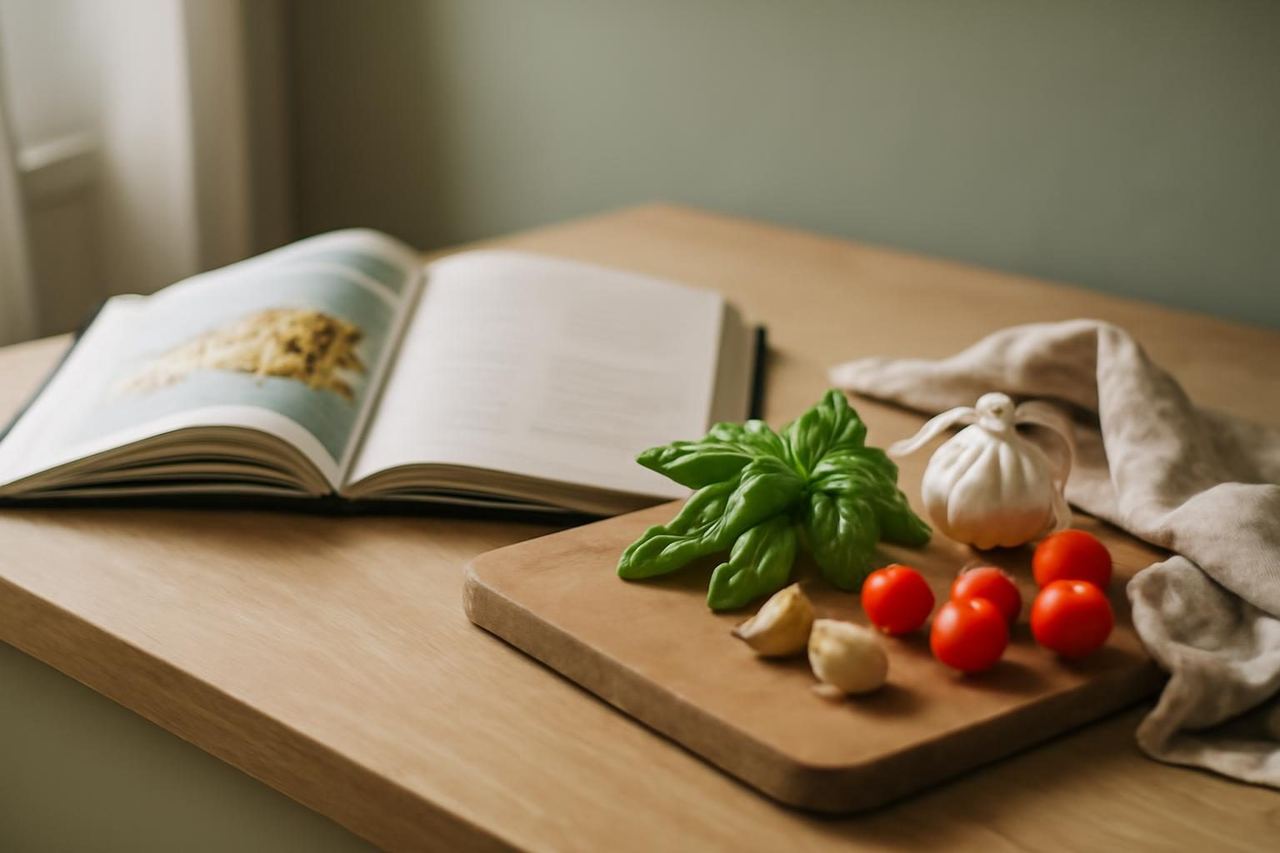
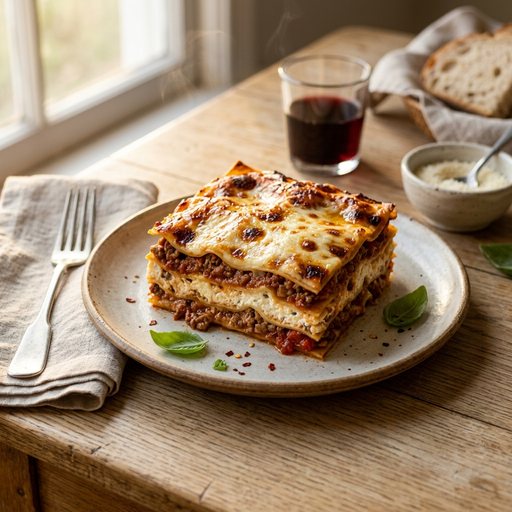
Yes. Vital's AI can improve the lighting and staging of your own photo, or create a studio-quality photo from the recipe itself. AI recipe photos are part of Vital Premium.

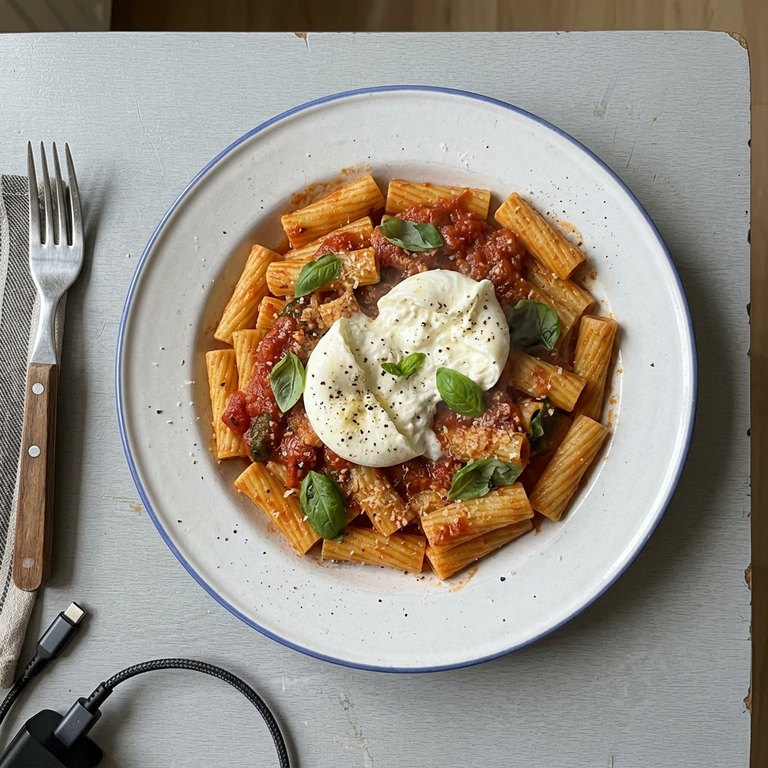
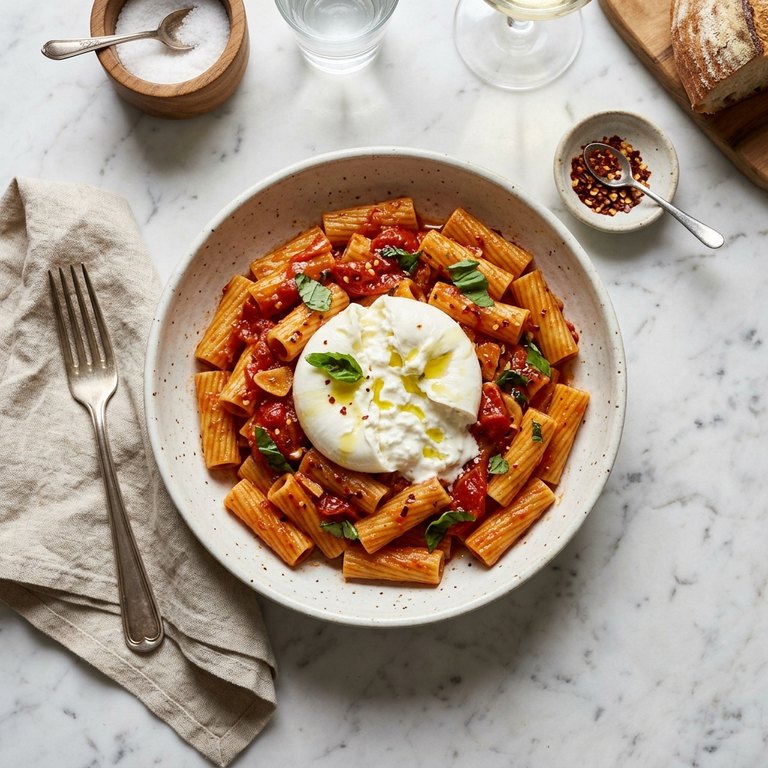
Your photo
No photo yetGenerated with AI
04
Can I plan my week and shop from my recipes?
Yes. Add recipes to your meal plan and Vital builds your shopping list from it, grouped by store. Planning and shopping from your plan are free.
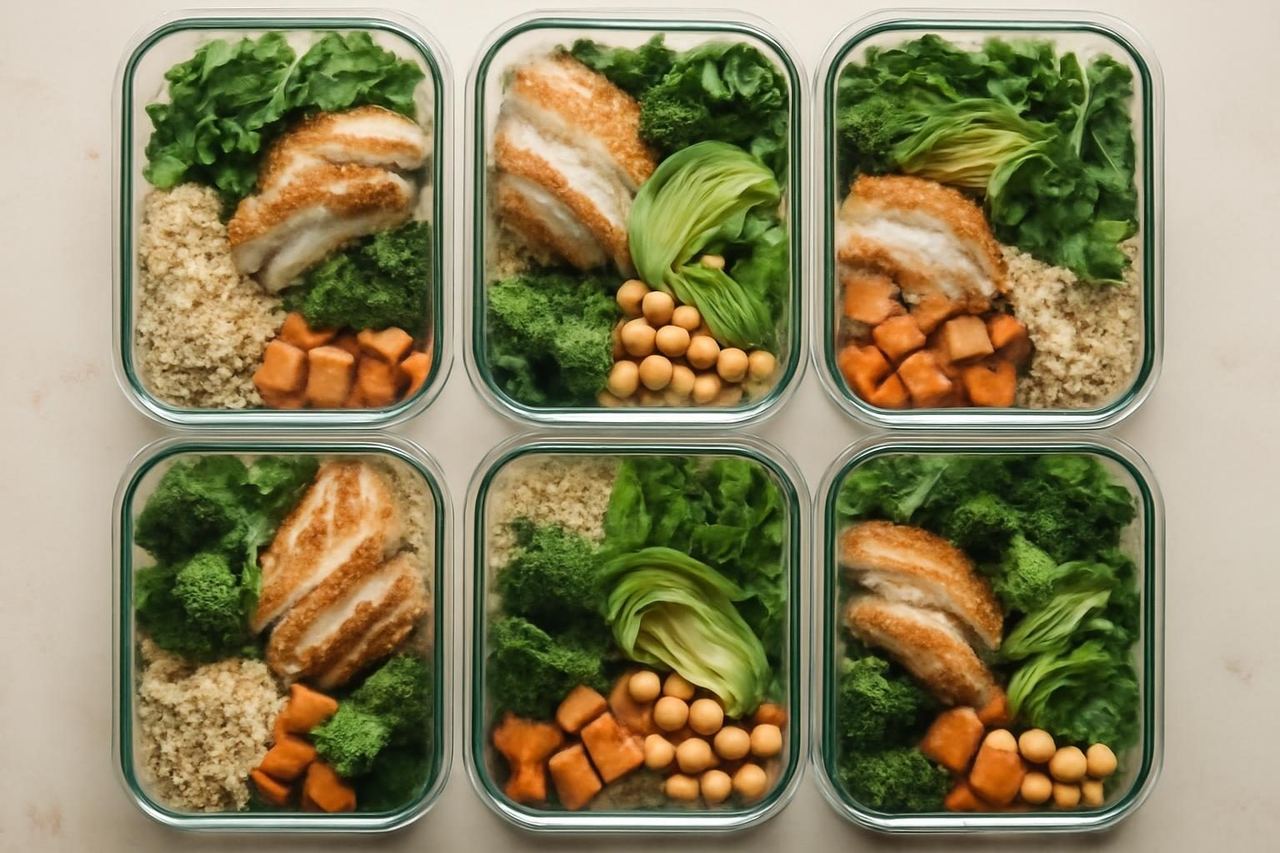
Dinners this week
05
What else can I do with my recipes?
When you cook, the recipe view keeps your screen awake and lets you check off ingredients and steps as you go. Every save keeps a version you can go back to, and any recipe exports as a PDF with a QR code that opens it in Vital.

At a glance
| Recipe sources | A cookbook photo, a screenshot, a handwritten card, a link, or typed in |
|---|---|
| Nutrition | Per serving, from the matched ingredients |
| Free | Import from a link, write your own, recipe books, the meal planner and the shopping list |
| Premium | AI recipe scans from a photo and AI recipe photos |
| Recipe library | Free curated recipe books you can add |
| Sharing | Share a book with your household, or invite one person as a viewer or an editor |
How it works
- Tap New Recipe
Choose Auto-scan, Import from URL or Write or paste recipe.
- Scan or paste
Photograph the page or paste the link, and Vital reads the ingredients and the steps.
- Check the nutrition
Vital matches each ingredient to a real food and shows calories and macros per serving, ready to log.
Questions
Can Vital scan a recipe from a cookbook photo?
Yes. Vital reads a recipe from a photo of a cookbook page, a screenshot or a handwritten card, and builds it with nutrition per serving. Scanning from a photo is part of Vital Premium, and importing from a link is free.
How is Vital's recipe nutrition worked out?
Vital's recipe nutrition is the sum of the matched ingredients divided by the servings. You can check or swap every match, and Vital names any ingredient it couldn't count.
Can my family use the same recipes?
Yes. Everyone in your Vital household can see and edit your recipes, and you can invite someone outside it to a single book as a viewer or an editor.
More about recipes in Vital
Get Vital
Your calories, recipes and workouts, all in one place.